Create a project
A new project is created by clicking the New button in the ribbon menu, in the Home/Project section. This creates the whole basic structure in the Solution Explorer. All items are empty for now — no variables, drivers, protocols, etc. are defined yet.
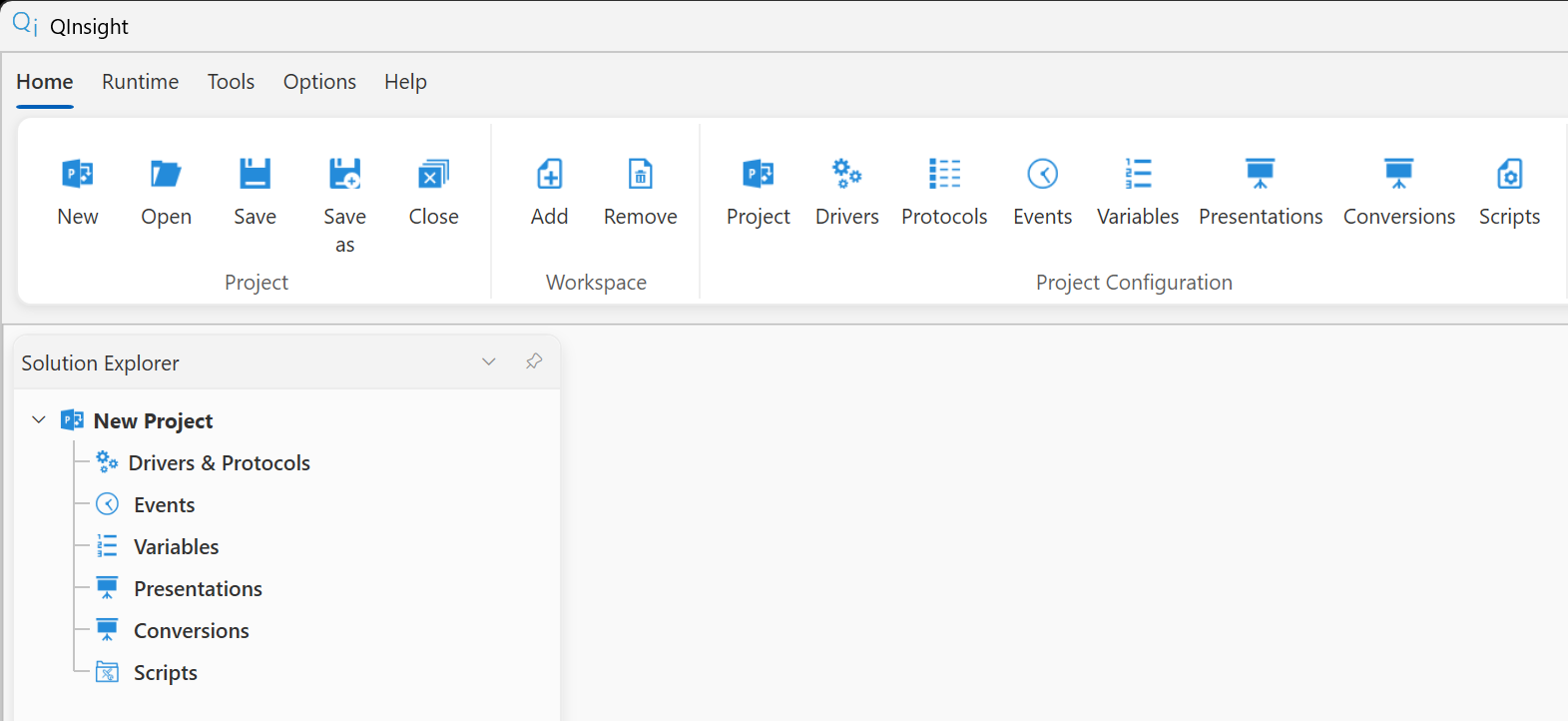
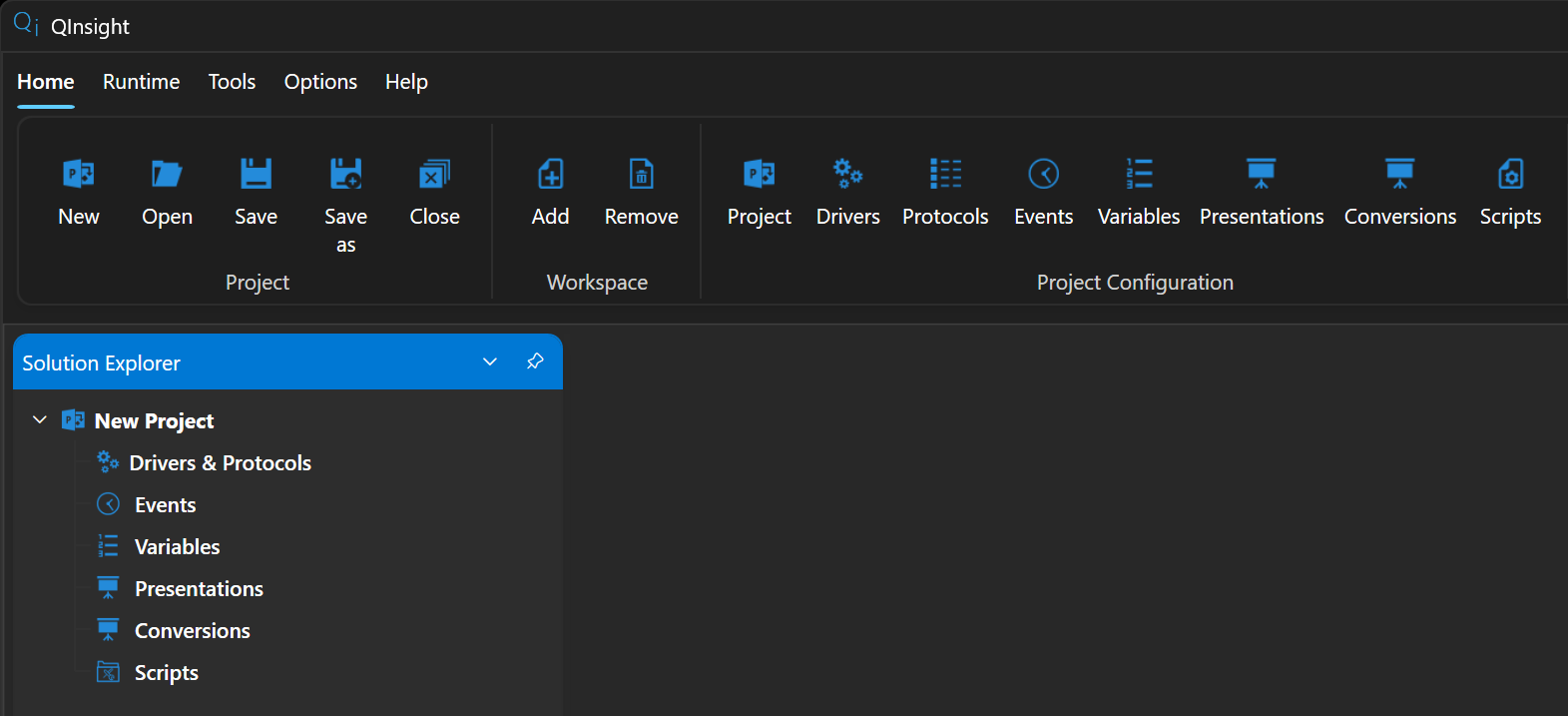
The whole structure is created automatically except for workspaces — those are part of a QInsight project only. If the project is meant to run without a graphical interface (for example as a service), there is no need to create any workspaces where Controls are placed.
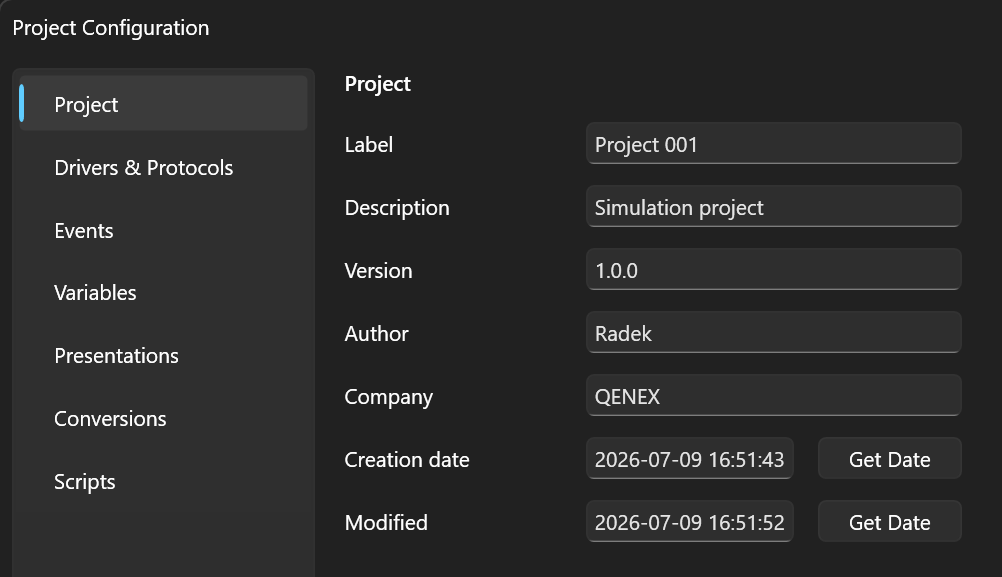
The basic project details — label, description, version, or author — are filled in in the project configuration (Project Configuration → Project).