

Start and stop
Communication with devices is controlled in the Runtime ribbon menu, group Run:
- Connect — starts all enabled drivers and protocols. The application switches into the runtime mode: the runtime window layout is loaded, controls start receiving live values (the graph is cleared before start), and startup scripts run.
- Disconnect — stops the communication; the application returns to the edit mode and its window layout.
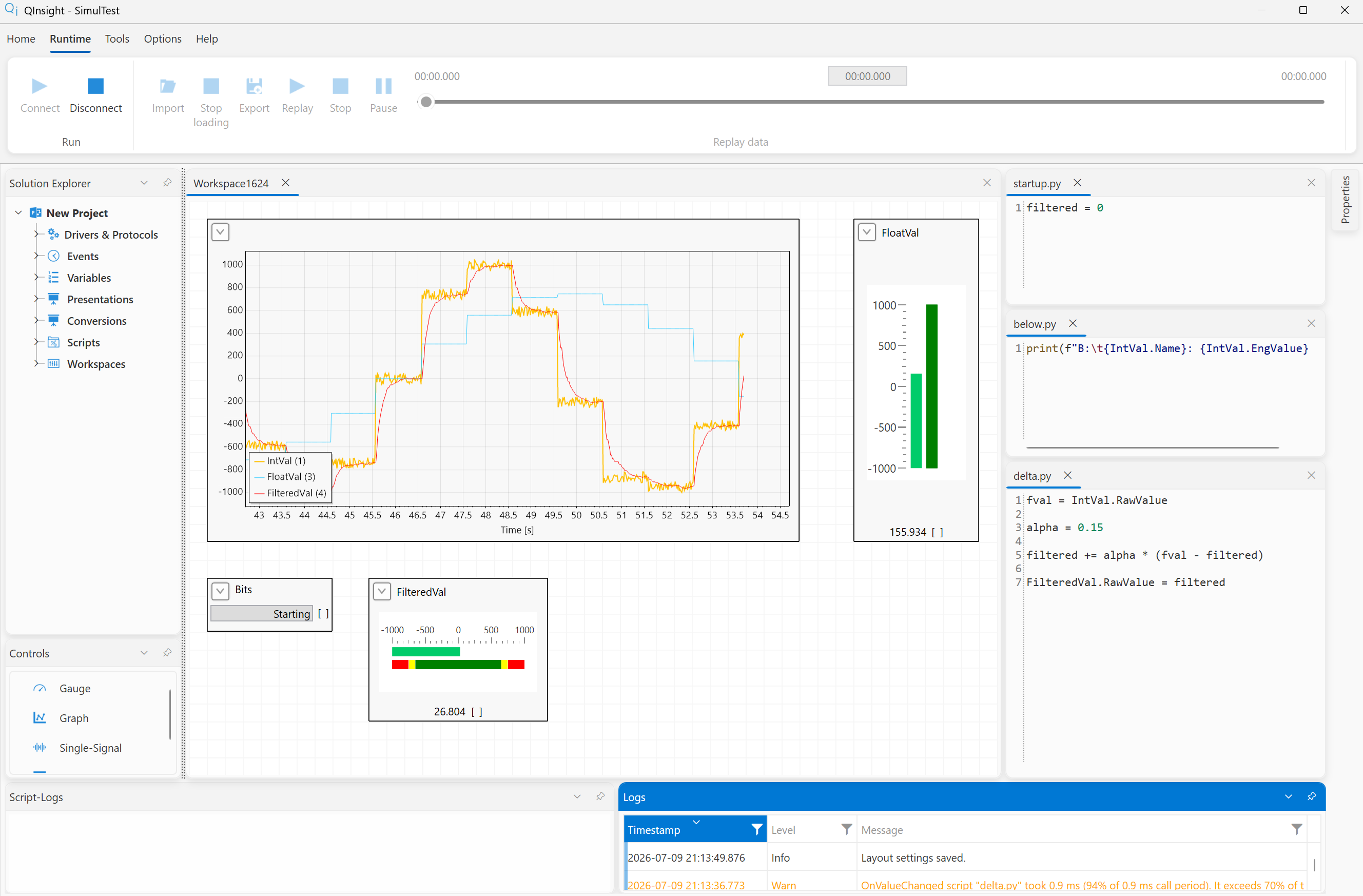
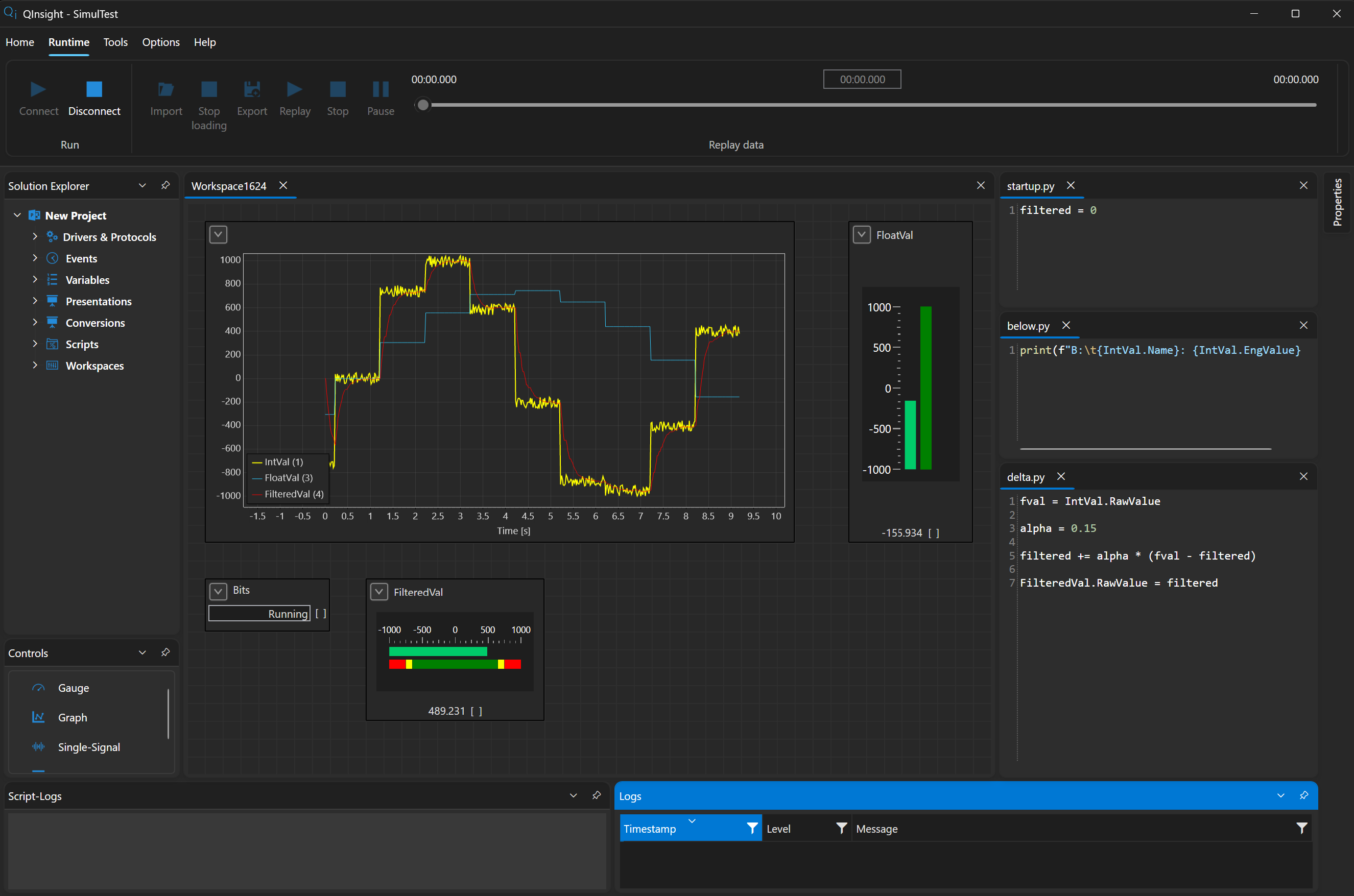
If a driver cannot connect (e.g. a TCP connection fails), its reconnect attempts are written into the Logs window — look for the cause there first.
Edit vs. runtime mode
Each mode has its own layout of the dockable windows. Save it in the given mode with Options → Layout → Save — it then applies across all projects. The arrangement of controls on workspaces, on the other hand, is saved with the project.
Next
What can be observed while running — Watching live data.