

Bit field and a script
The project Qenex_Virtual_Virtual_BitfieldTest.qproj is in the Examples
folder next to QInsight.exe. It needs no hardware: both variables are
hosted by the Virtual Variables Host driver and the status word is
generated by a script.
This example shows the variable bit field in action: out of a status word whose lower bits change every 20 ms, two variables cut a two-bit machine state (bits 7–8). One shows it as text through an enum conversion, the other as a number — and an On-change trigger runs a script only when the extracted state changes, not on every change of the word.
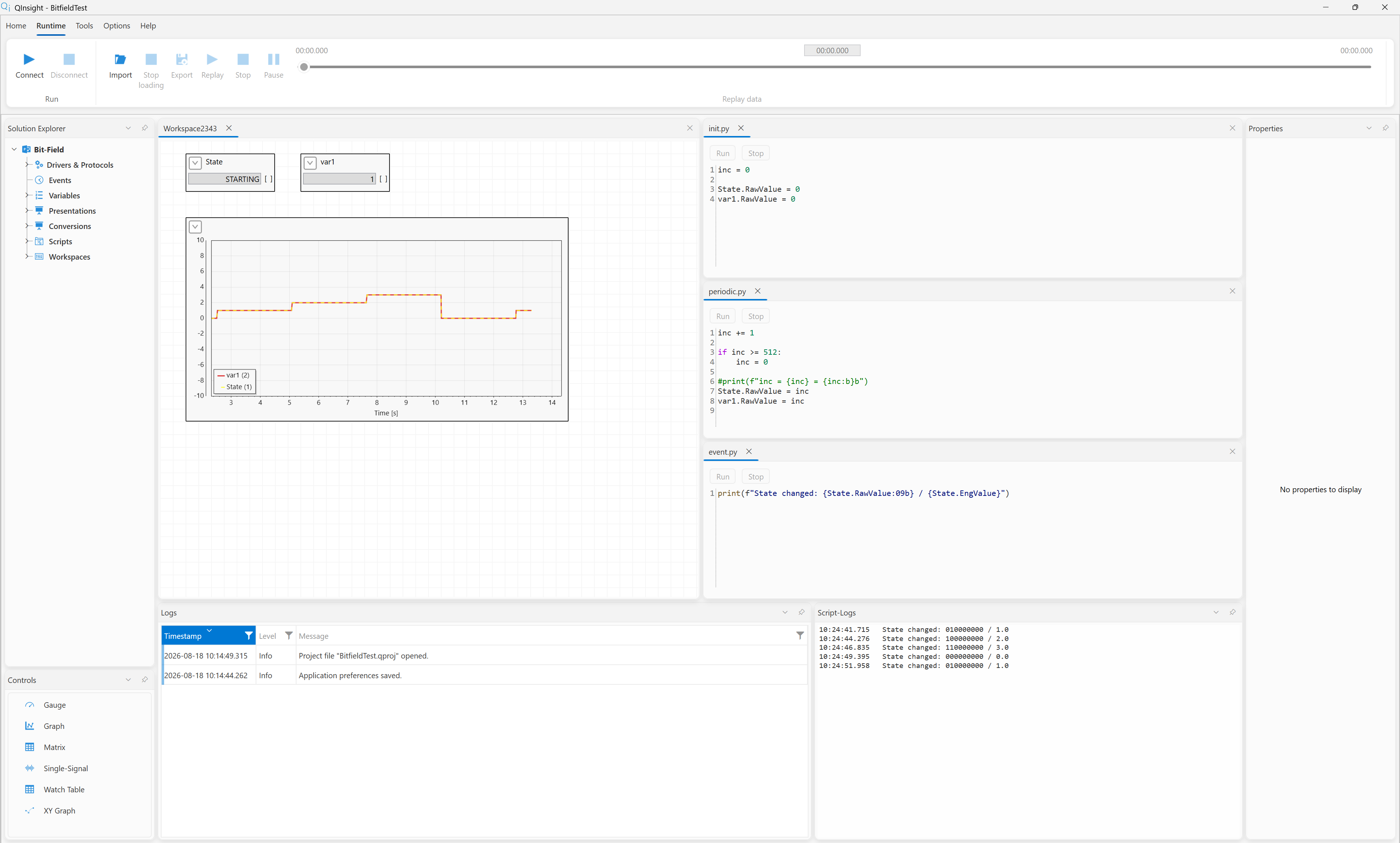
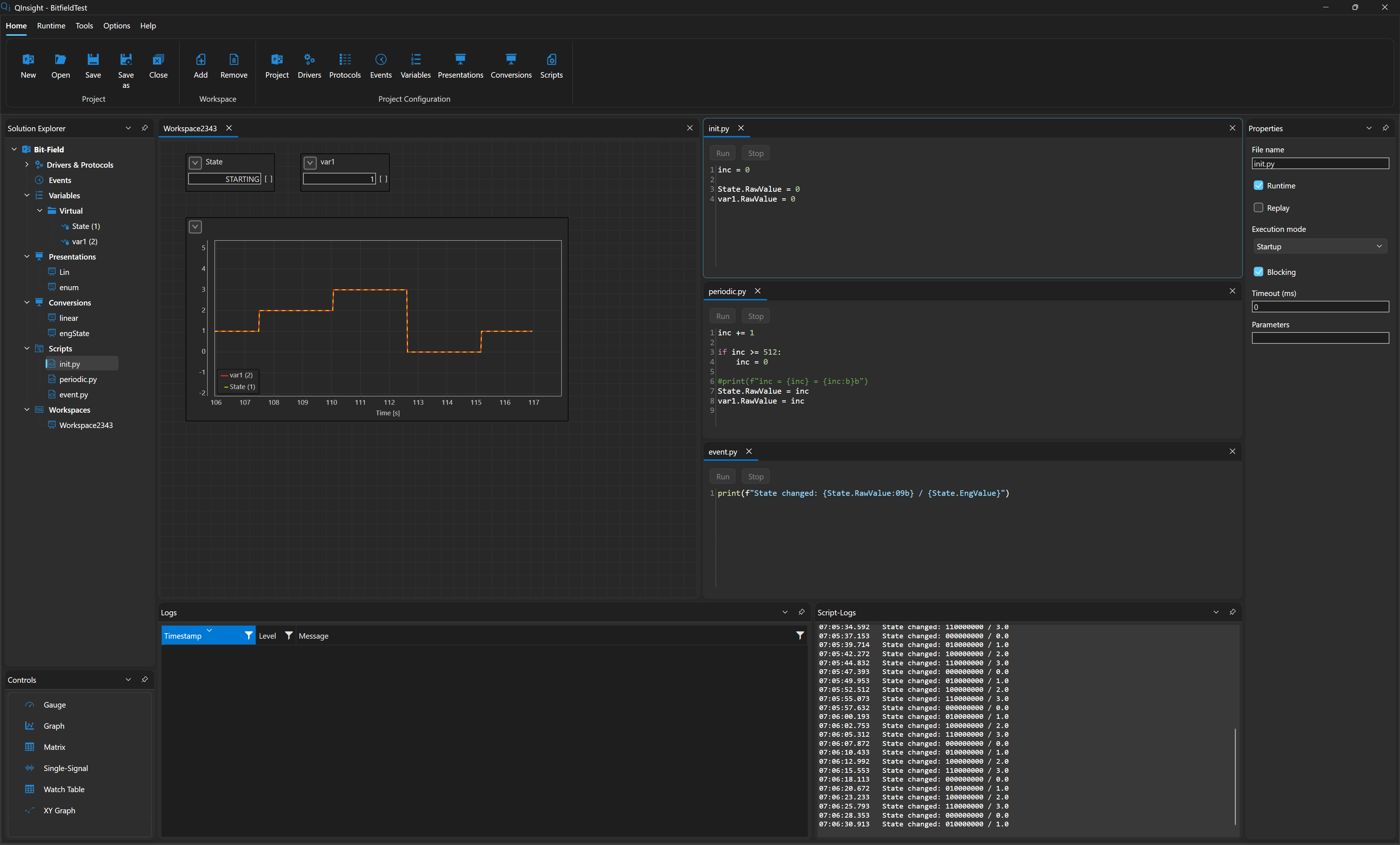
This is exactly what status words of real ECUs look like: one word carries flags, counters, and state machines at once, and each piece is cut out by a different shift + mask pair.
How it all works
- The
periodic.pyscript increments a 0–511 counter (9 bits) every 20 ms and writes it as a whole word into theStateandvar1variables — simulating a device that sends a live status word. - Both variables have Bit Shift
>>7and Bit Mask0x03: they cut bits 7–8 out of the whole word — a value 0–3 that changes once every 2.56 s (128 counter ticks). Statehas a presentation with an enum conversion — it shows the values 0–3 asSTOP,STARTING,RUNNING,STOPPING.var1has a 1:1 linear conversion and shows the same thing as a number.- An On-change trigger (source Eng, threshold 0.8) hangs on
State: it runs theevent.pyscript only when the extracted state changes. The script prints the whole word in binary next to the engineering value — making it visible that raw stays the word and the state is just its cut-out.
The project step by step
Project and drivers
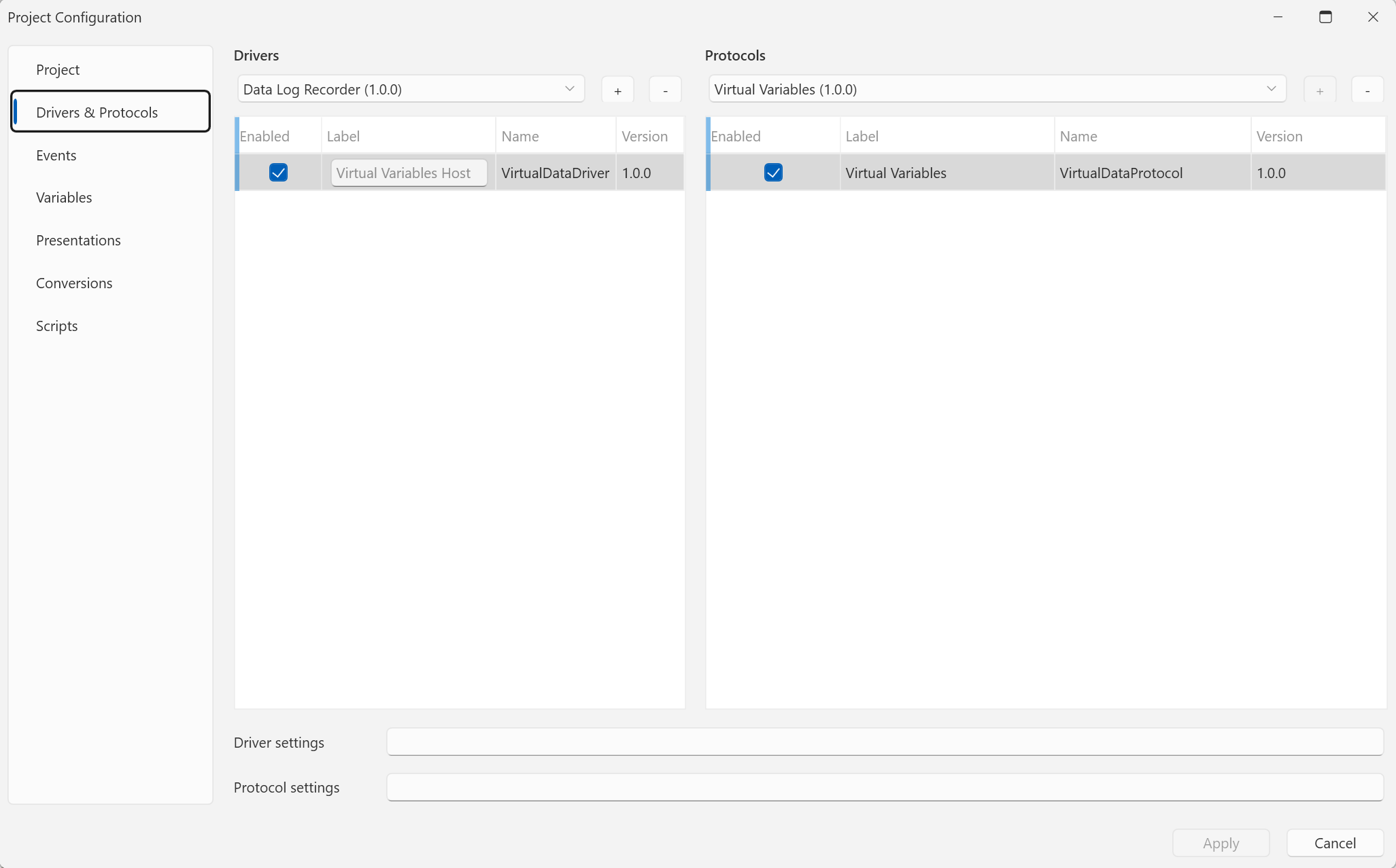
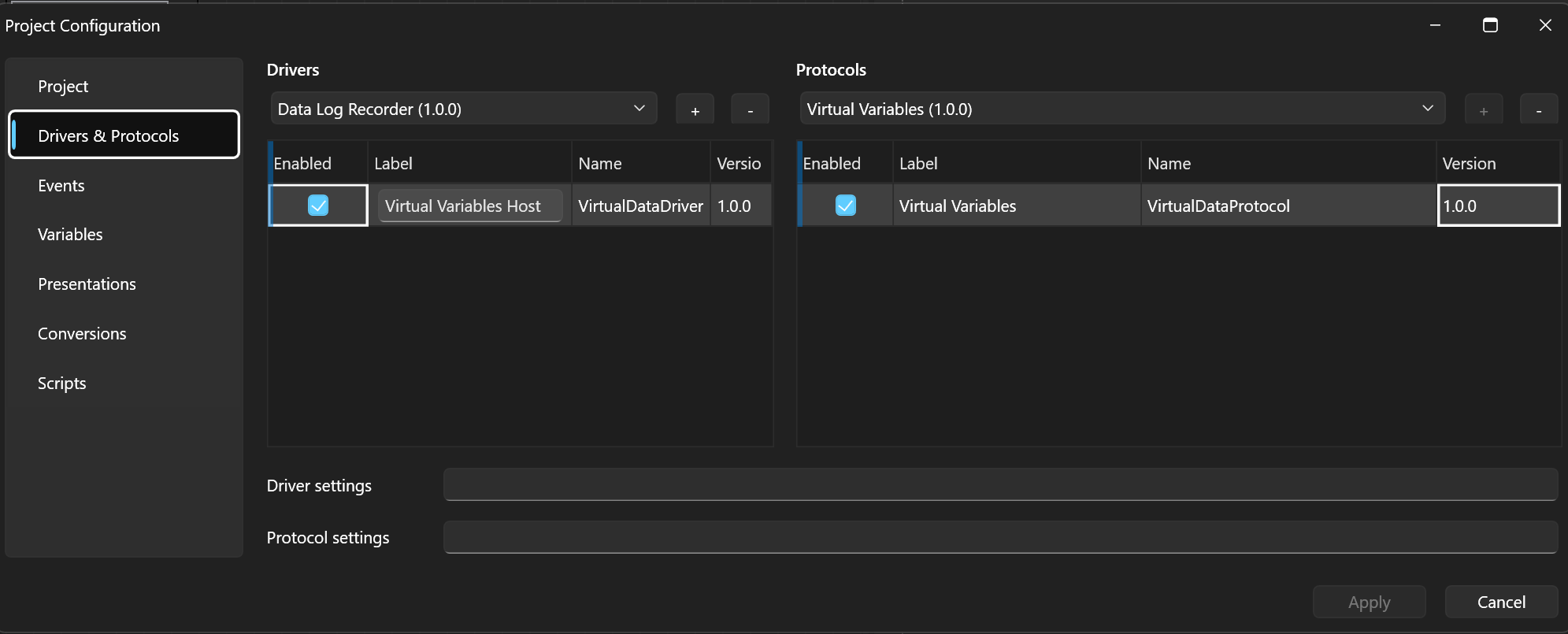
The project is called Bit-Field. The only driver + protocol pair is Virtual Variables Host / Virtual Variables — the carrier of virtual variables written by scripts. No events are needed: the pace is set by the periodic script.
Conversions and presentations
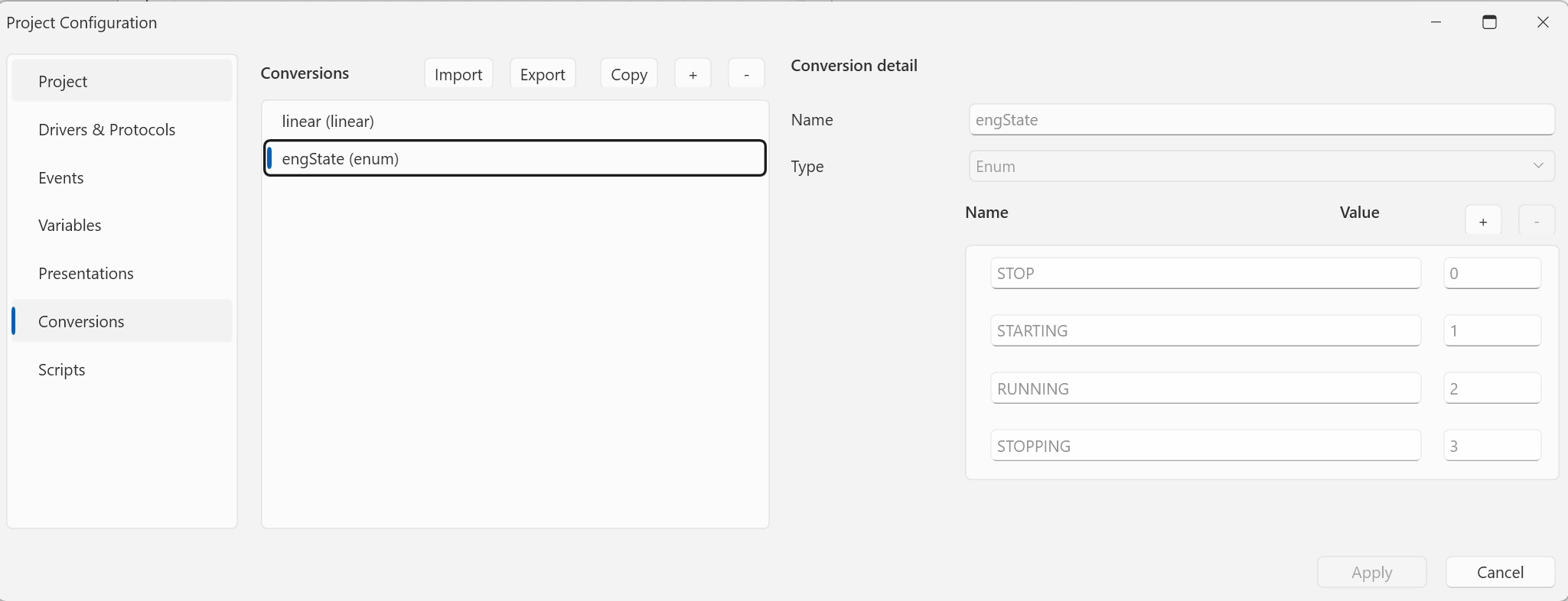
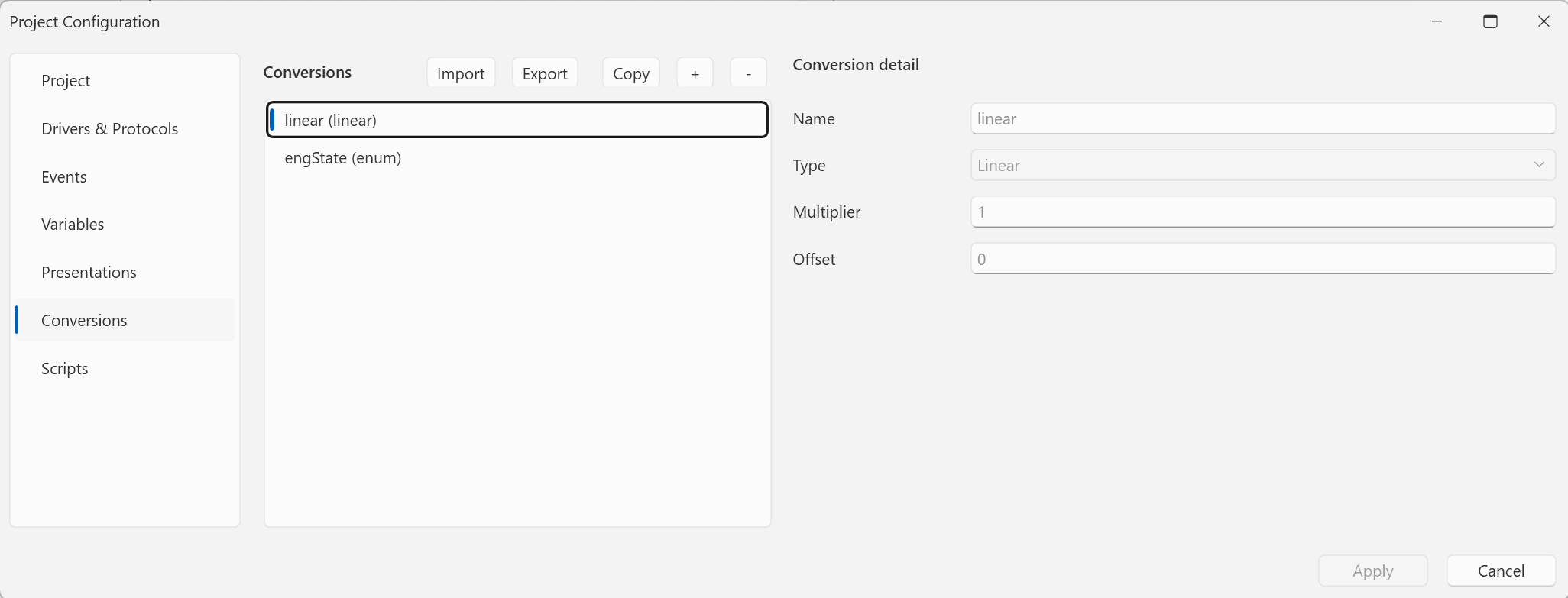
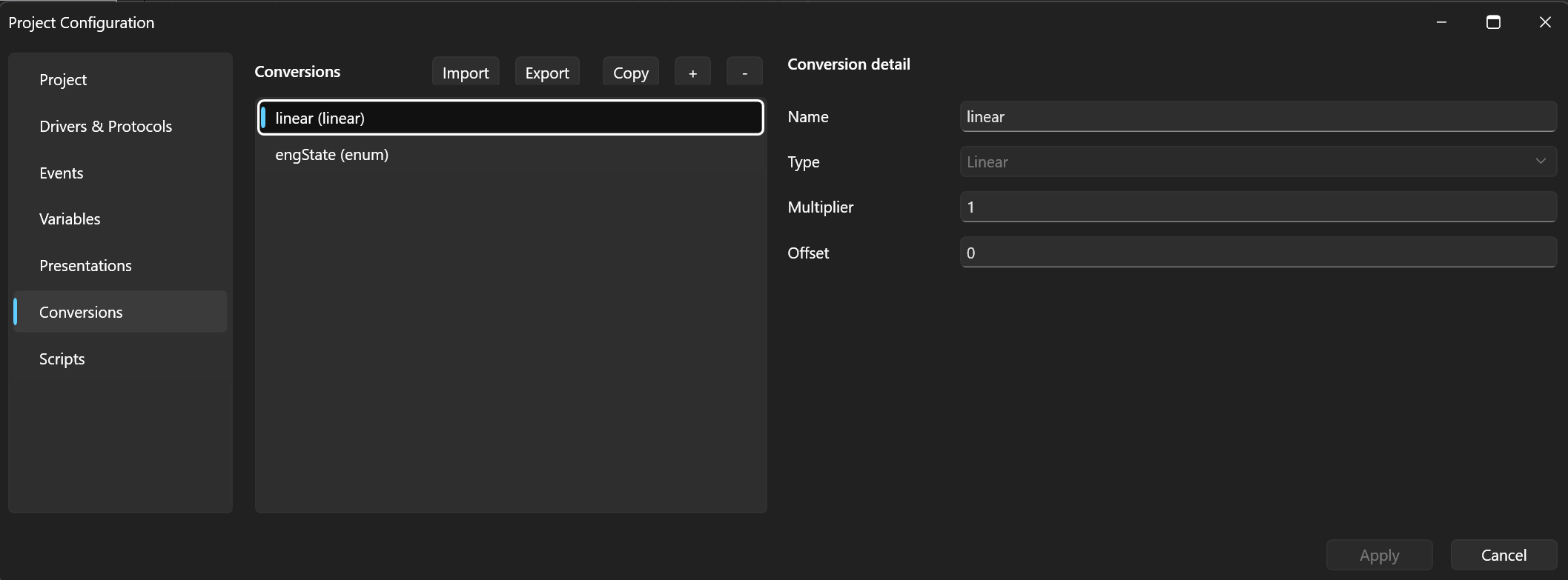
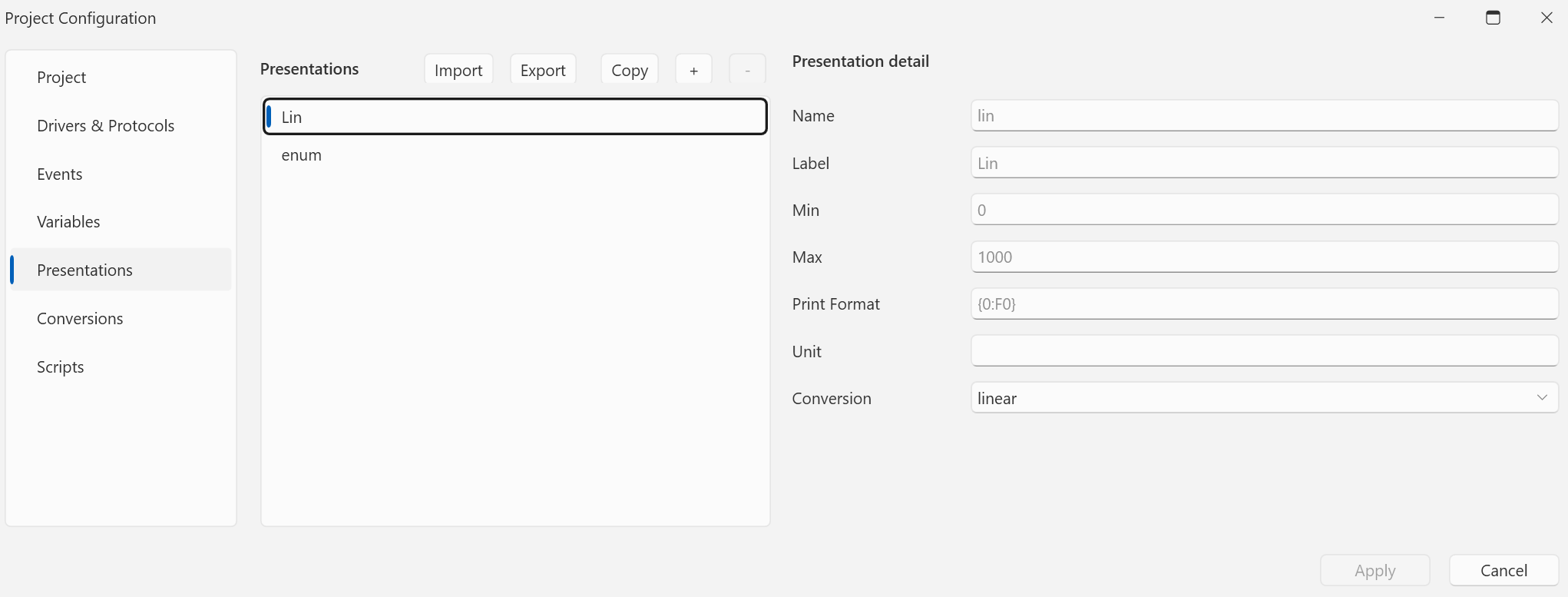
Two conversions: linear (Linear, Multiplier = 1, Offset = 0) and
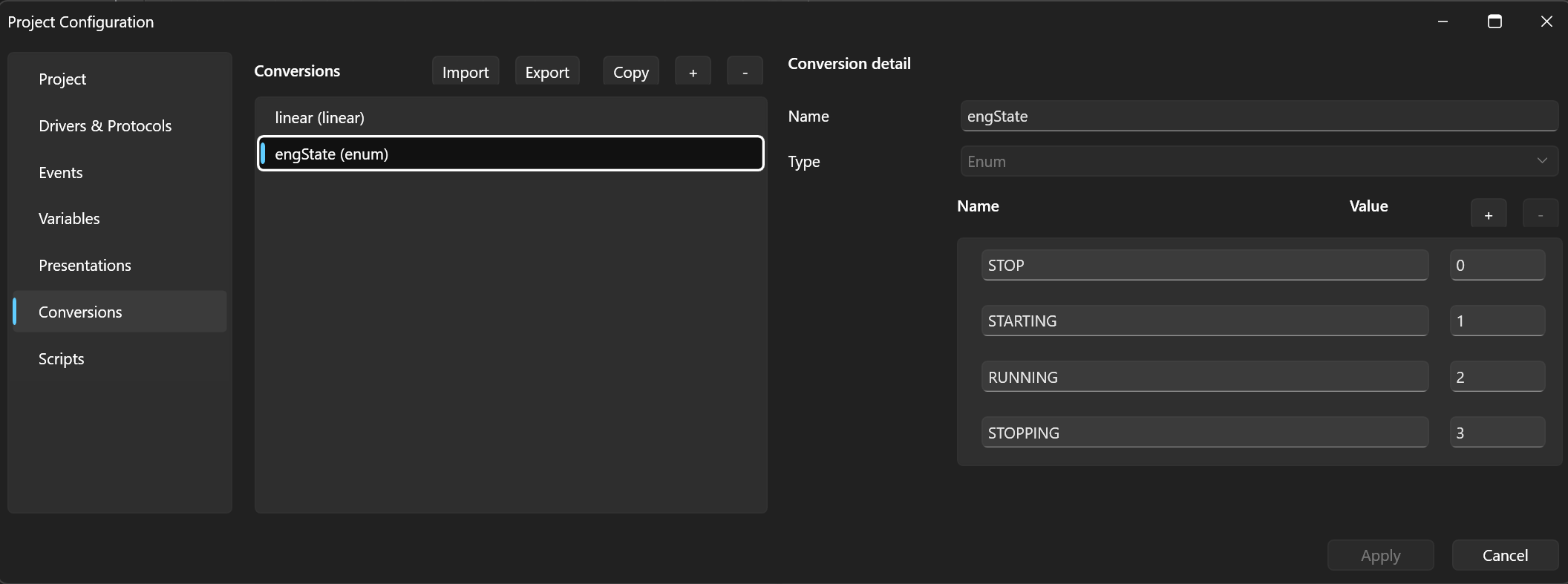
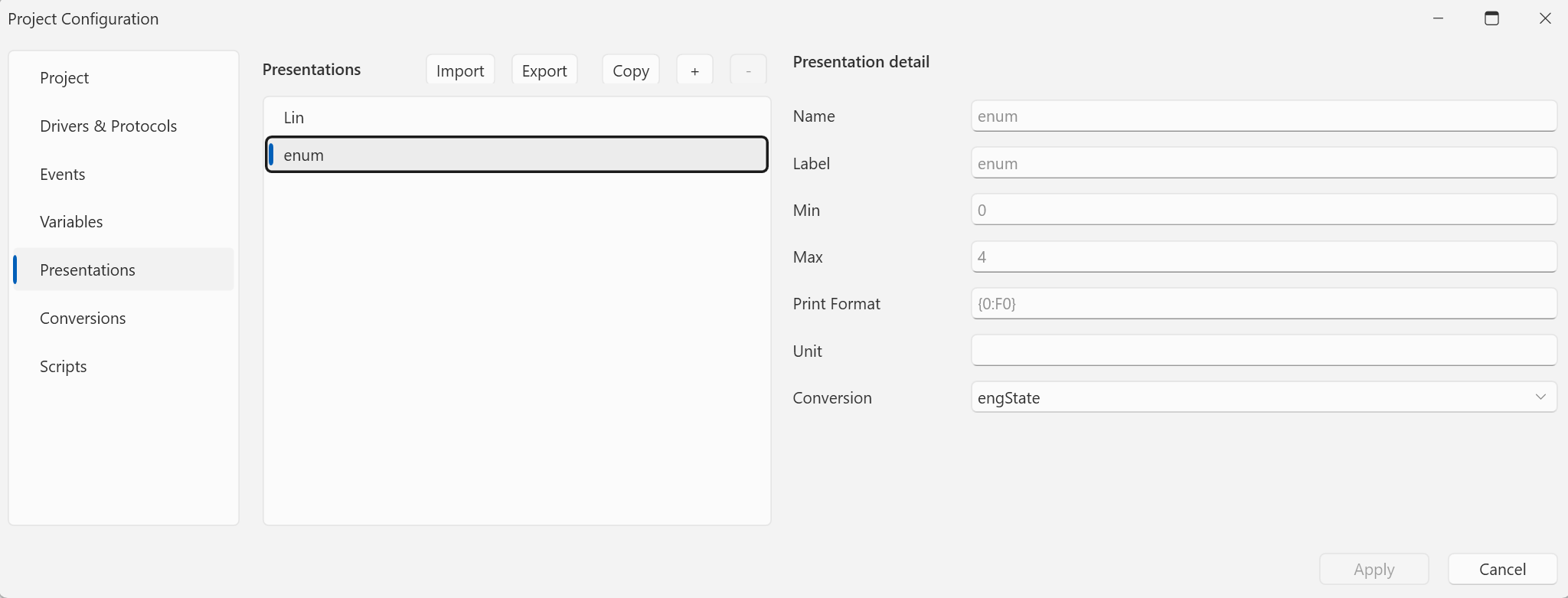
engState — an Enum with four states:
| Name | Value |
|---|---|
| STOP | 0 |
| STARTING | 1 |
| RUNNING | 2 |
| STOPPING | 3 |
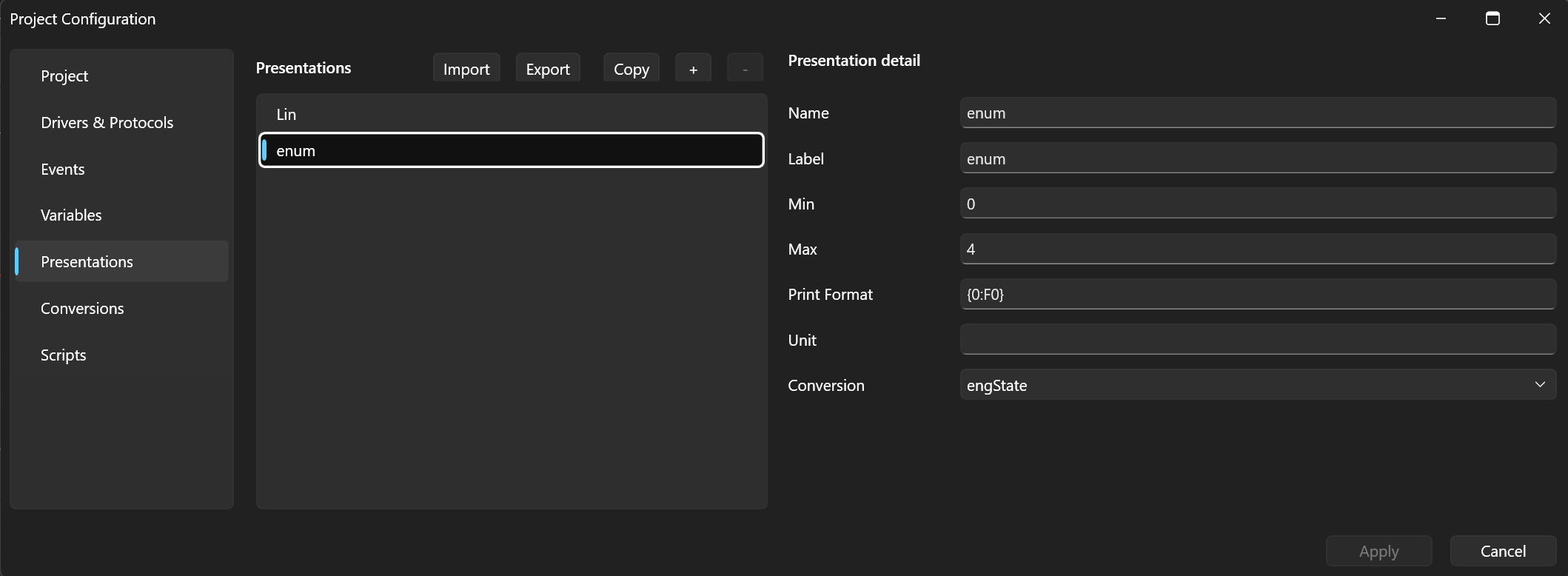
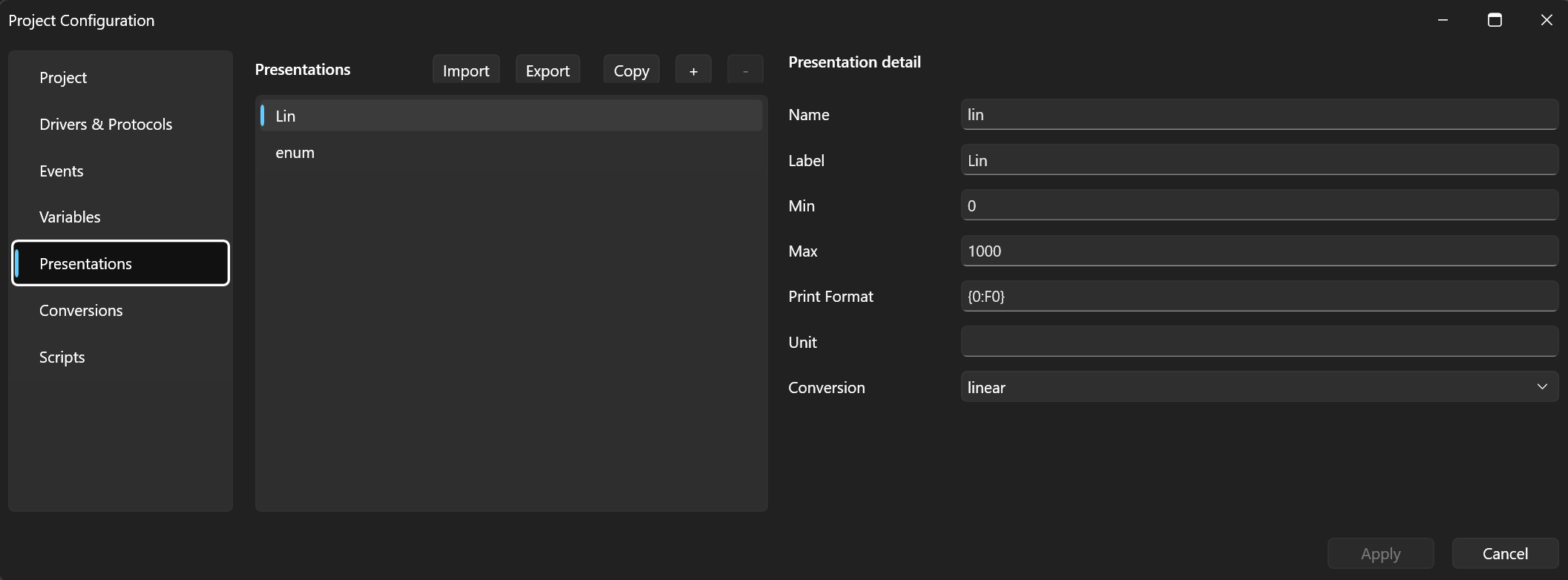
Two presentations reference them: enum (conversion engState, range
0–4) and lin (conversion linear). Both with the {0:F0} format.
Variables with a bit field
Both variables are UShort and both have the bit field filled in
their detail: Bit Shift >>7 and Bit Mask 0x03 — the
extracted state is (raw >> 7) & 0x03. They differ only in the
presentation:
State— the enum presentation: the extracted value is shown as a state name. On the right side it carries the On-change trigger: scriptevent.py, source Eng, mode Delta, threshold 0.8.var1— the lin presentation: the same value as a number 0–3.

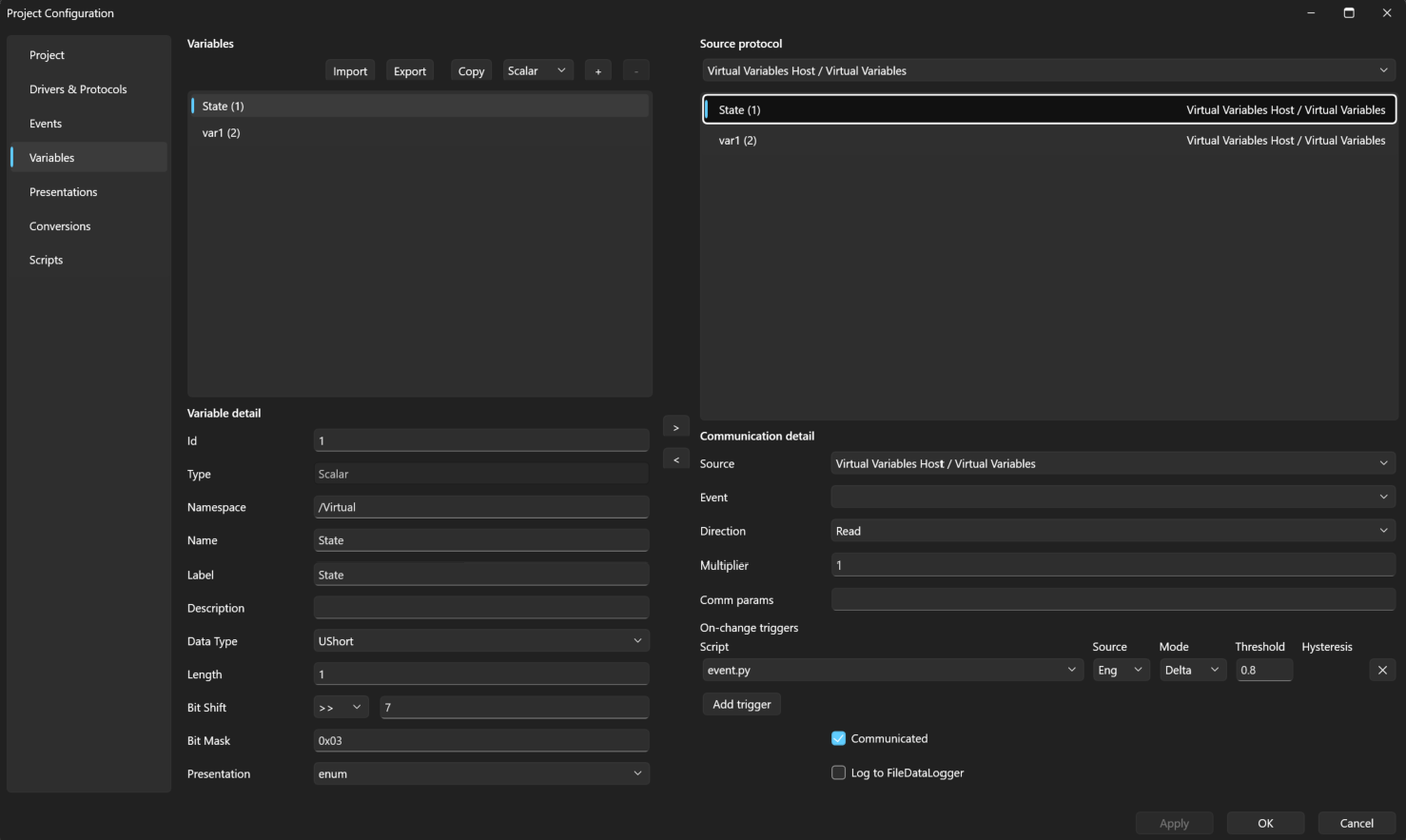
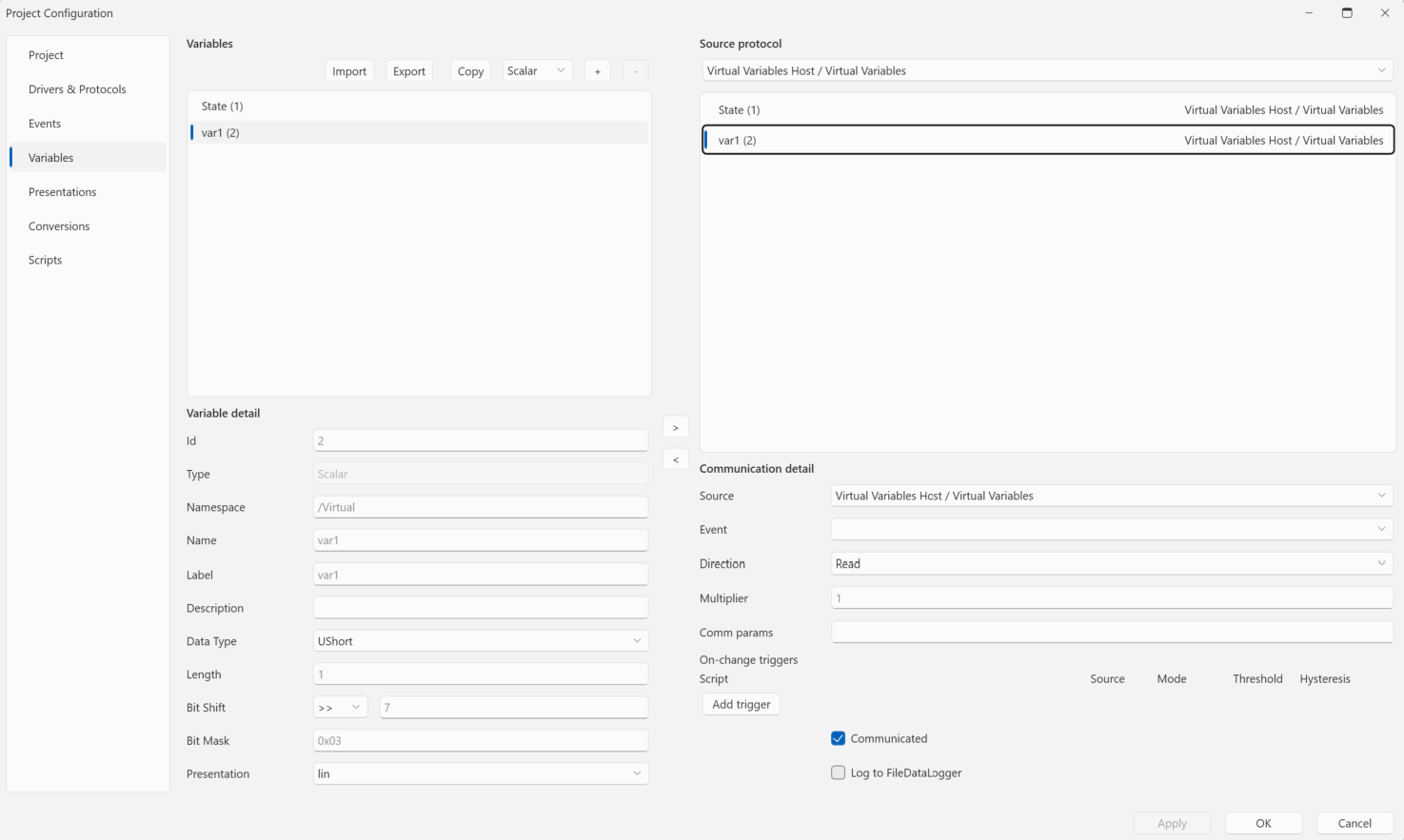
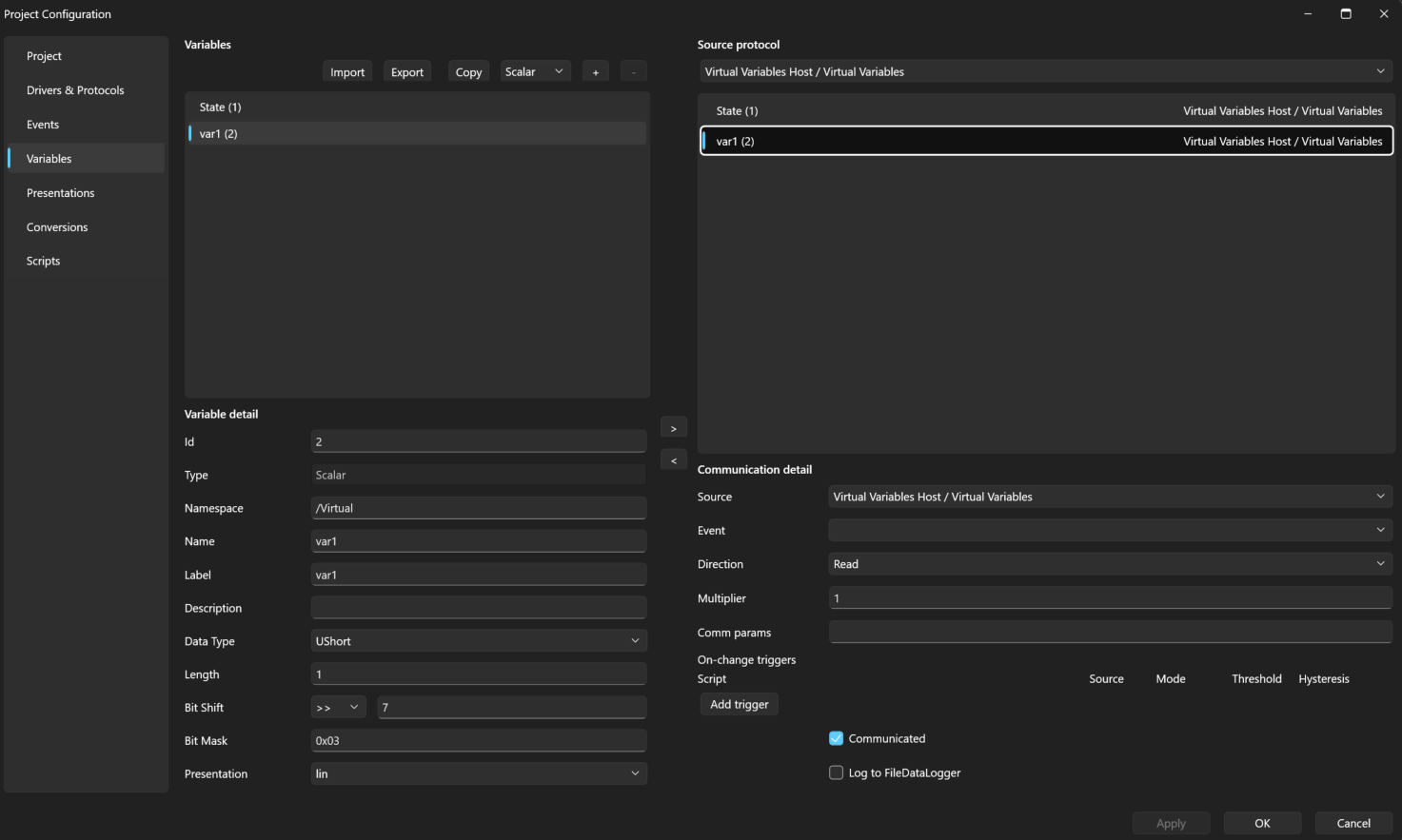
The trigger threshold matters here: the Eng source means the comparison uses the extracted, converted value, not the whole word. The counter changes every 20 ms, but the engineering value only once per 2.56 s — so the script runs only on a real state change. The threshold 0.8 sits safely below the smallest state step (1) while filtering any noise a real device might produce.
Scripts
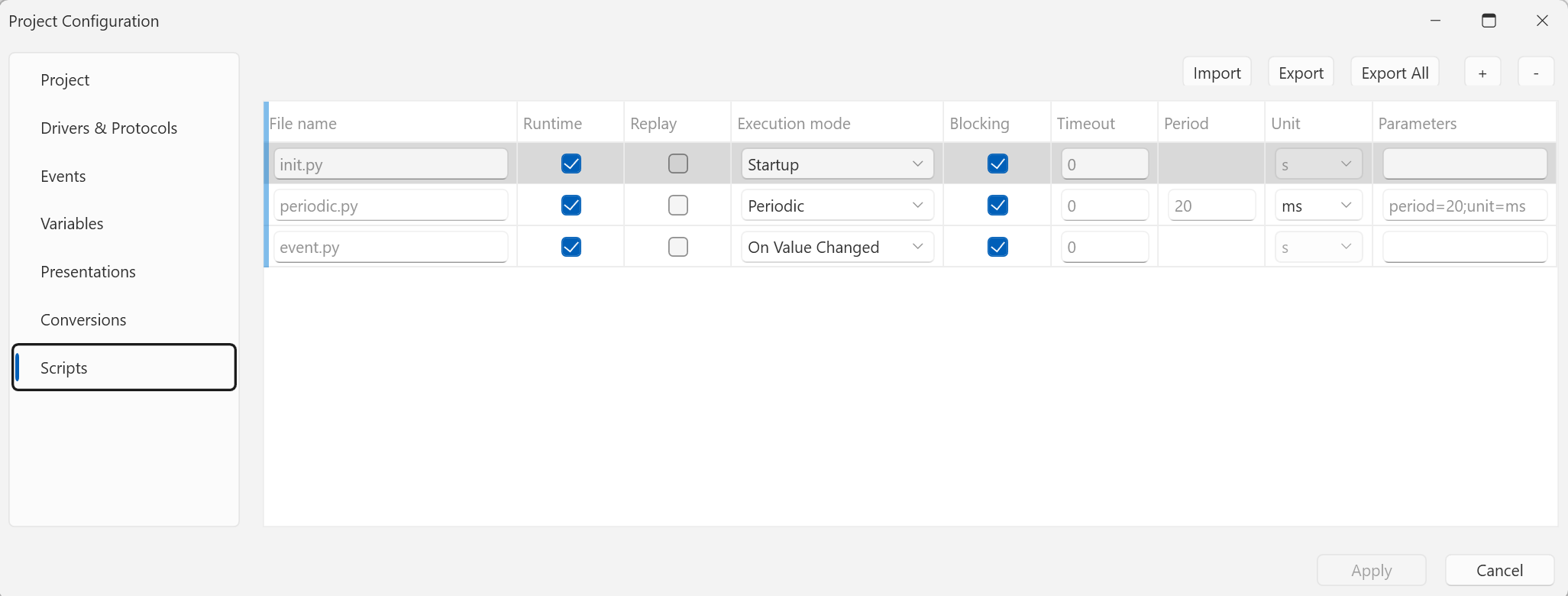
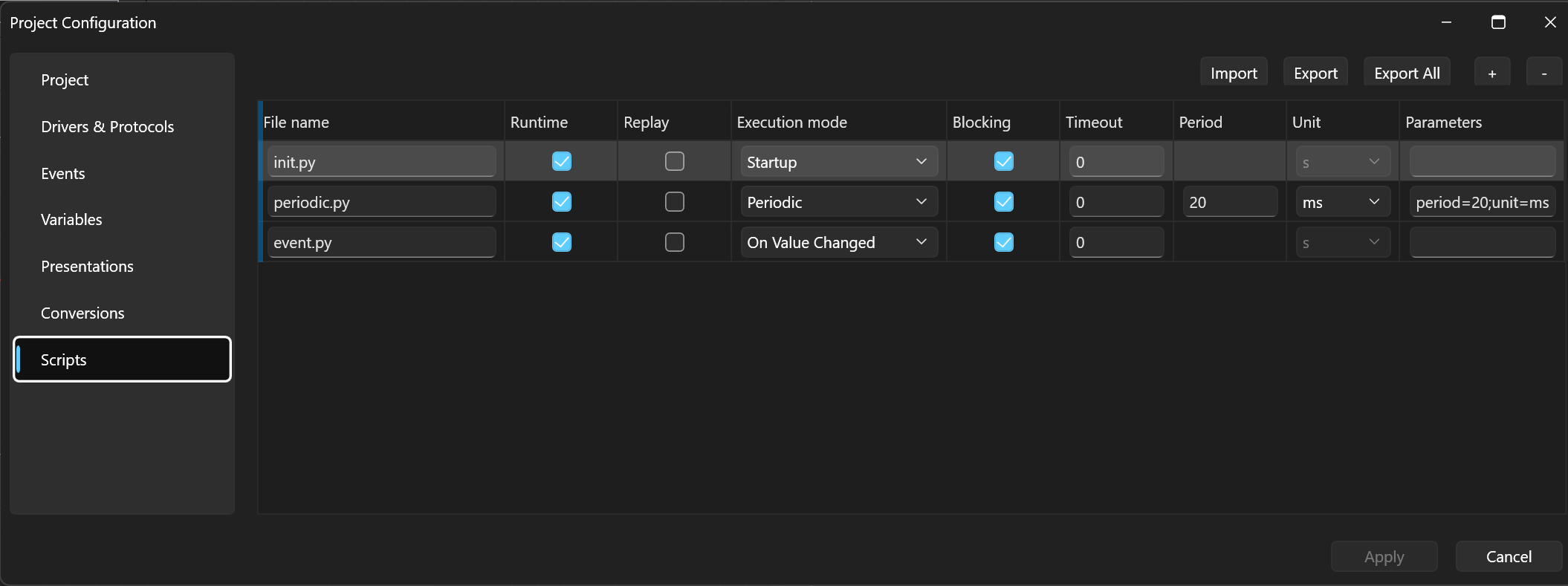
The project has three scripts, each in a different execution mode:
| Script | Execution mode | Purpose |
|---|---|---|
init.py | Startup | zeroes the counter and the variables at runtime start |
periodic.py | Periodic (period=20;unit=ms) | the status-word generator |
event.py | On Value Changed | the reaction to a state change (run by the trigger) |
init.py prepares a deterministic start:
inc = 0

State.RawValue = 0
var1.RawValue = 0
periodic.py is the whole "device simulator" — a 0–511 counter written
as a whole word into both variables:
inc += 1

if inc >= 512:
    inc = 0

State.RawValue = inc
var1.RawValue = inc
event.py is a single line — it prints the whole word in binary with
the engineering value next to it:
print(f"State changed: {State.RawValue:09b} / {State.EngValue}")
The result
After starting the runtime, the Single-Signal controls show the current
state — State as text (STARTING), var1 as a number — and the graph
draws the 0 → 1 → 2 → 3 → 0… staircase stepping every 2.56 s. The
Script-Logs window gains a line on every state change:
07:05:49.953  State changed: 010000000 / 1.0
07:05:52.512  State changed: 100000000 / 2.0
07:05:55.073  State changed: 110000000 / 3.0
07:05:57.632  State changed: 000000000 / 0.0
The binary printout tells the example's whole story: bits 7–8 of the
whole word change (RawValue stays the word), the engineering value is
just their cut-out.
What to take away
- The bit field is a property of the variable — the protocol, the log, and replay all work with the whole word; the cut-out is the first step of the raw → engineering computation.
- One word, several variables: each field of a status word can be a separate variable with its own presentation — with a real device they all point at the same address and the word is transferred once for each of them.
- An enum conversion gives the bits names — the ECU state machine
shows up in controls as
RUNNING, not as2. - An On-change trigger with the Eng source reacts to the field, not the word — scripts run on a state change even when the word changes a thousand times more often.
Next
- Bit field (Bit Shift and Bit Mask) — the exact extraction and write rules.
- Simulation: all signals — virtual variables and an on-change trigger with a Python filter in more detail.
- Scripts overview — the Startup, Periodic, and On Value Changed execution modes.