

Events
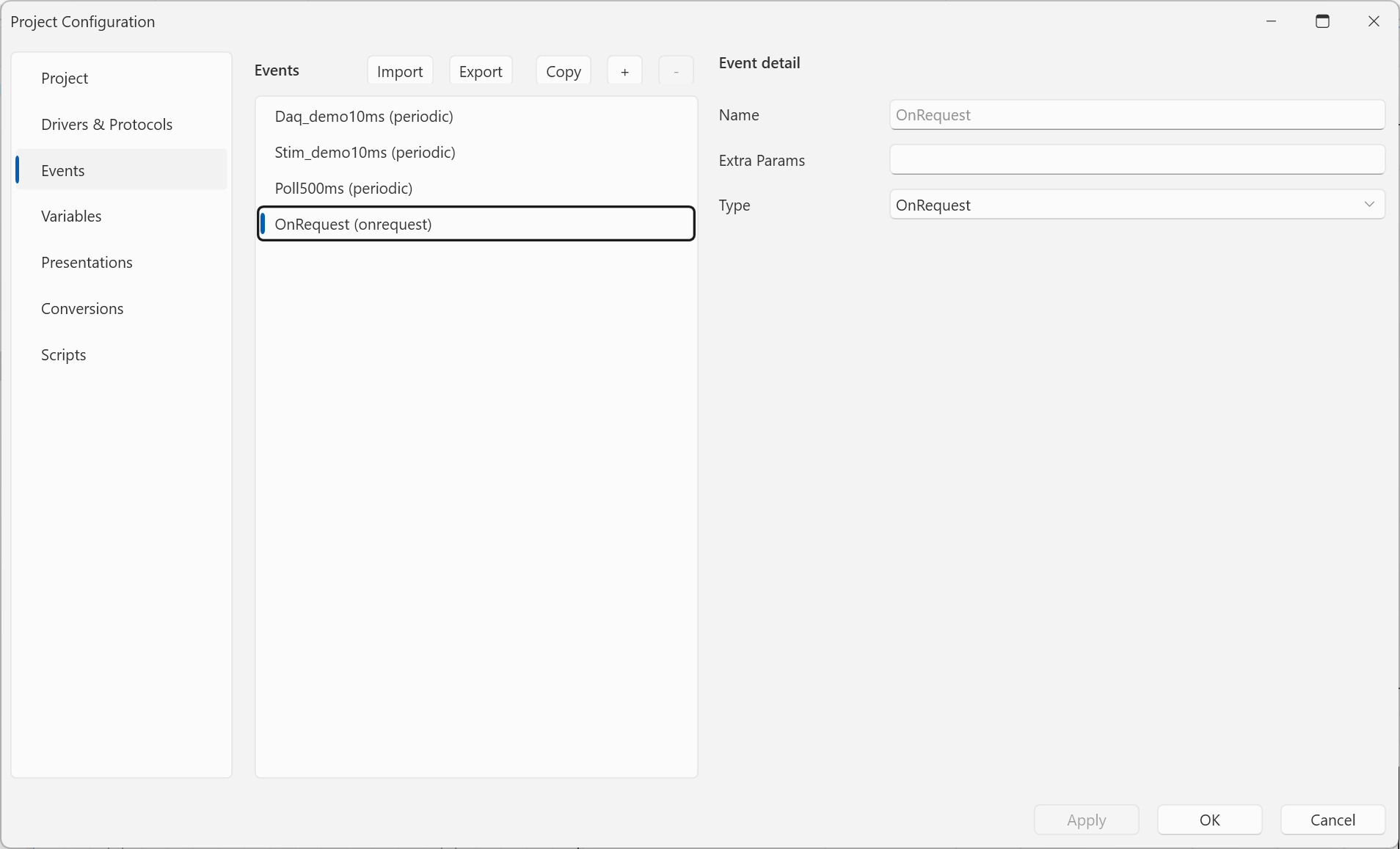
An event tells the protocol when a variable's value is communicated — typically "read this every 100 ms". Events are defined once, in Home → Project Configuration → Events, and are shared by the whole project: any number of variables can be bound to the same event, so one place controls the rate of a whole group.
A variable is bound to an event when it is
assigned to a protocol — by the Event
selection in the communication detail, which ends up as
eventRef="<event name>" in the variable's Comm params. The
reference is by event name.
Event types
| Type | Parameters | Meaning |
|---|---|---|
| Periodic | Period, Unit | regularly, every Period × Unit |
| OnRequest | — | on demand — a one-shot read by the Read button |
Period units are Milisec, Sec, Min, Hour, and Day.
The shipped reading protocols (Modbus Master, XCP on CAN, XCP on TCP, Simulation Signals) read a variable either periodically (or via DAQ for XCP) or on request. A read variable without an event is not read at all (a warning appears in the log).
OnValueChanged — older projects may contain an event of type OnValueChanged (with a Threshold parameter). Such an event loads and stays editable, but no shipped protocol handles it and a new one can no longer be created.
Reading on request (OnRequest)
A variable bound to an OnRequest event is not polled nor streamed via DAQ — it is read once each time the operator presses Read:
- in Single-Signal and Matrix the Read button sits in the control header next to the settings arrow,
- in the Watch Table the Read button is in the row's column of the same name.
The button appears only for variables the protocol can read on
request — today XCP on CAN / TCP, Modbus Master and
Simulation Signals, for variables with direction read or
readWrite. Reading works only while communication runs; in edit mode
(or when the read fails) the button turns red. Until the first press
the display stays empty.
Typical uses are calibration parameters and large maps that change rarely and need not be polled.
A custom protocol plugin can support on-request reads by implementing
the optional IProtocolVariableReadProtocol interface — see
Custom protocol.
Editing events
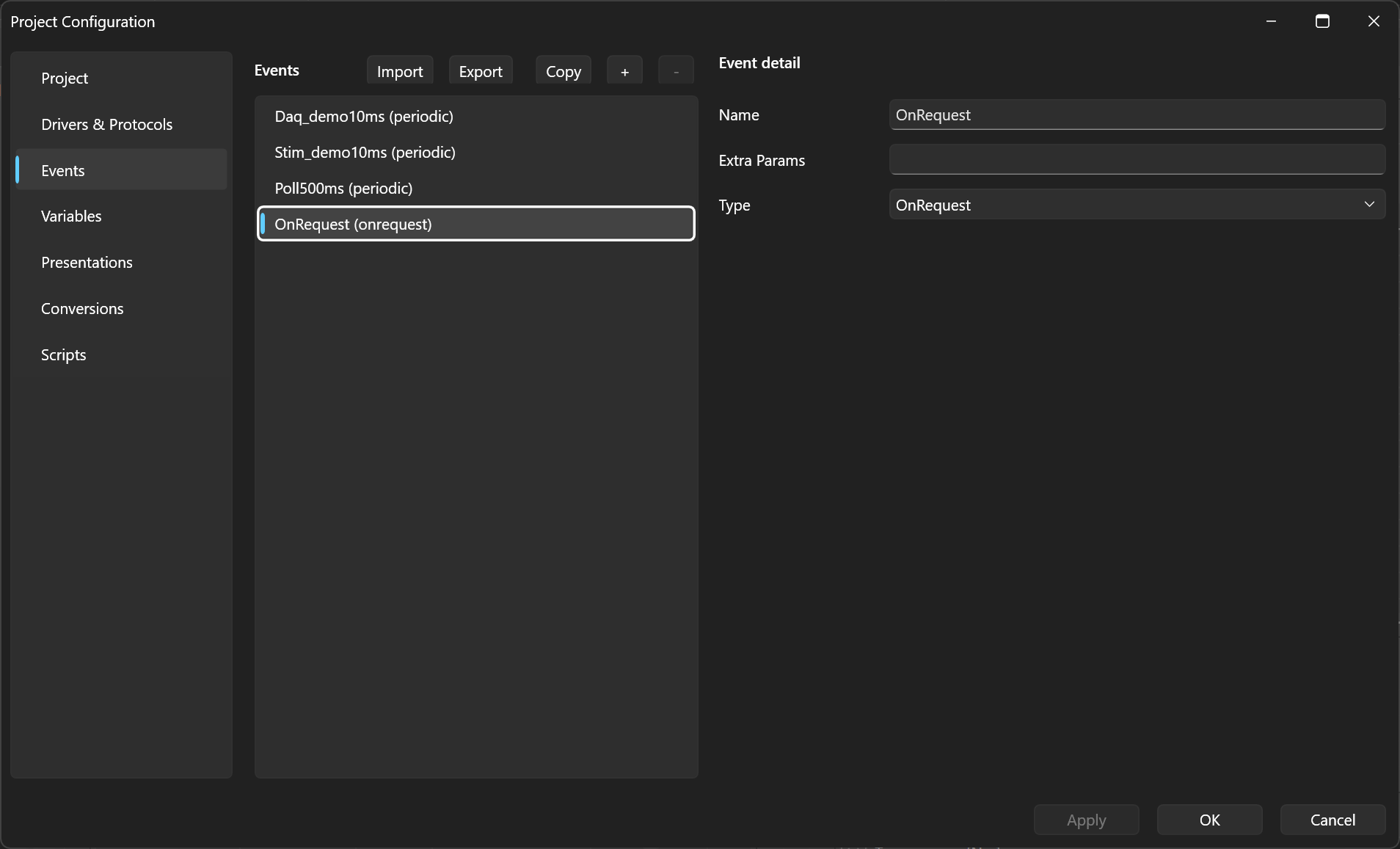
In Home → Project Configuration → Events each event has:
- Name — the identifier variables reference (
eventRef), - Type — selectable only while creating the event; an existing event keeps its type,
- the type's parameters (Period and Unit for Periodic; OnRequest has none),
- Extra Params — optional protocol-specific parameters (below).
Extra Params
Extra Params extend an event with parameters the event itself does not
interpret — they are written in the same key="value";key="value" form
as Comm params and it is the protocol of the bound variable that
reads the keys it understands. The field stays empty for ordinary
events.
Today Extra Params are used by XCP to mark an event as an ECU DAQ event channel:
direction="DAQ";daqId="1"
Variables bound to such an event are streamed by the ECU itself instead of being polled — the full explanation, examples and diagnostics are in XCP polling, DAQ, and STIM.
Unlike Comm params, Extra Params are validated strictly: a malformed
entry (a segment not in the key="value" form, or an incomplete key
combination — for XCP e.g. direction="DAQ" without daqId) removes
the affected variables from communication at project load, with a log
warning describing exactly what is wrong. A key unknown to the protocol
only logs a warning and is ignored.
A typical event set
Poll100ms      Periodic, Period 100, Unit Milisec
               — ordinary polling of slower values

Daq_mainloop   Periodic, Period 1, Unit Milisec
               Extra Params: direction="DAQ";daqId="1"
               — fast measurements streamed by the ECU (XCP DAQ)
Both events can live side by side in one project and one protocol:
variables on Poll100ms are polled, variables on Daq_mainloop are
streamed.