

Create a workspace
A workspace is a window where you arrange Controls — charts, gauges, and tables. A project can have several workspaces, e.g. one for an overview of the whole device and another for the detail of a specific test. Workspaces belong to the QInsight project and are saved together with it.
Steps
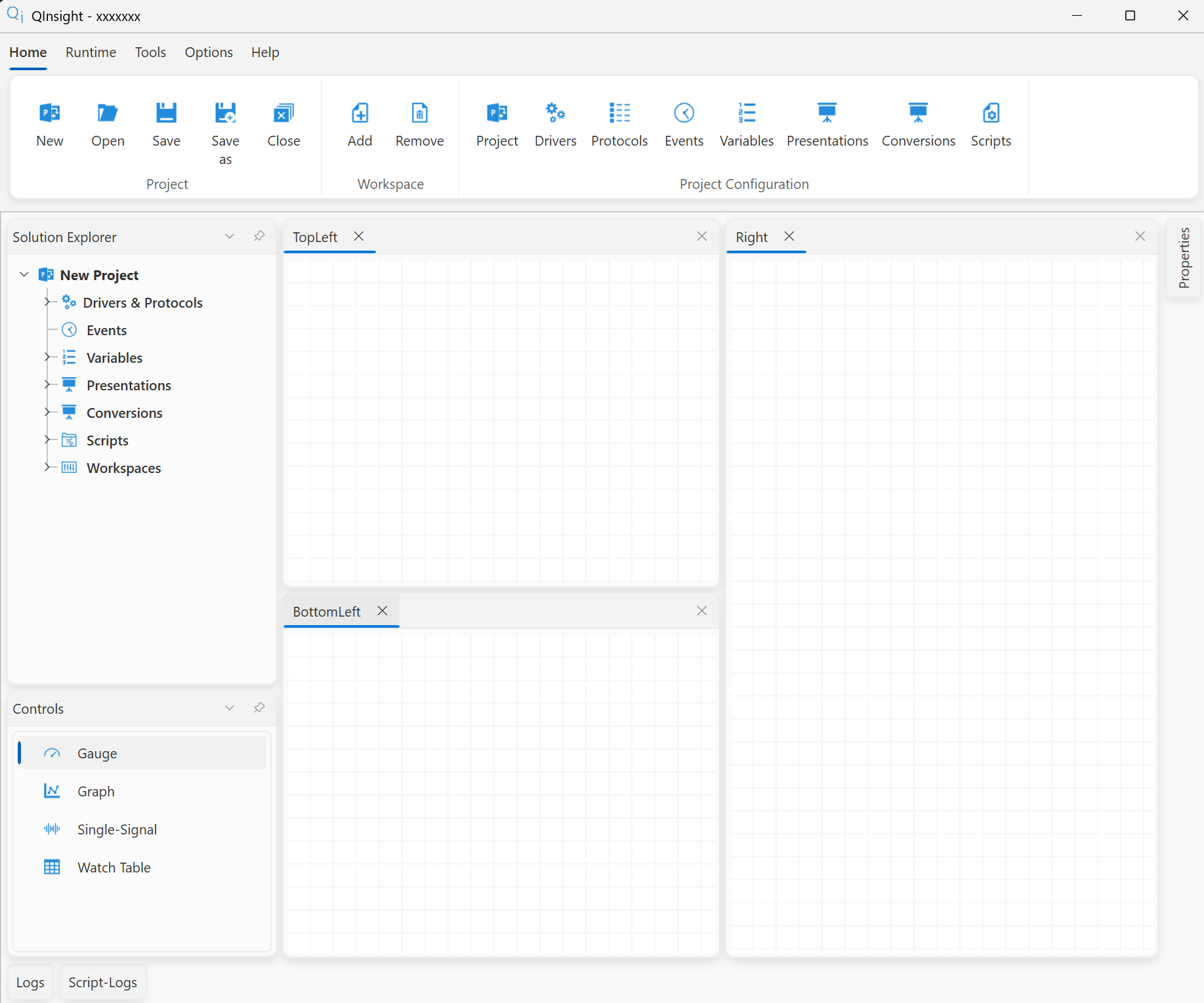
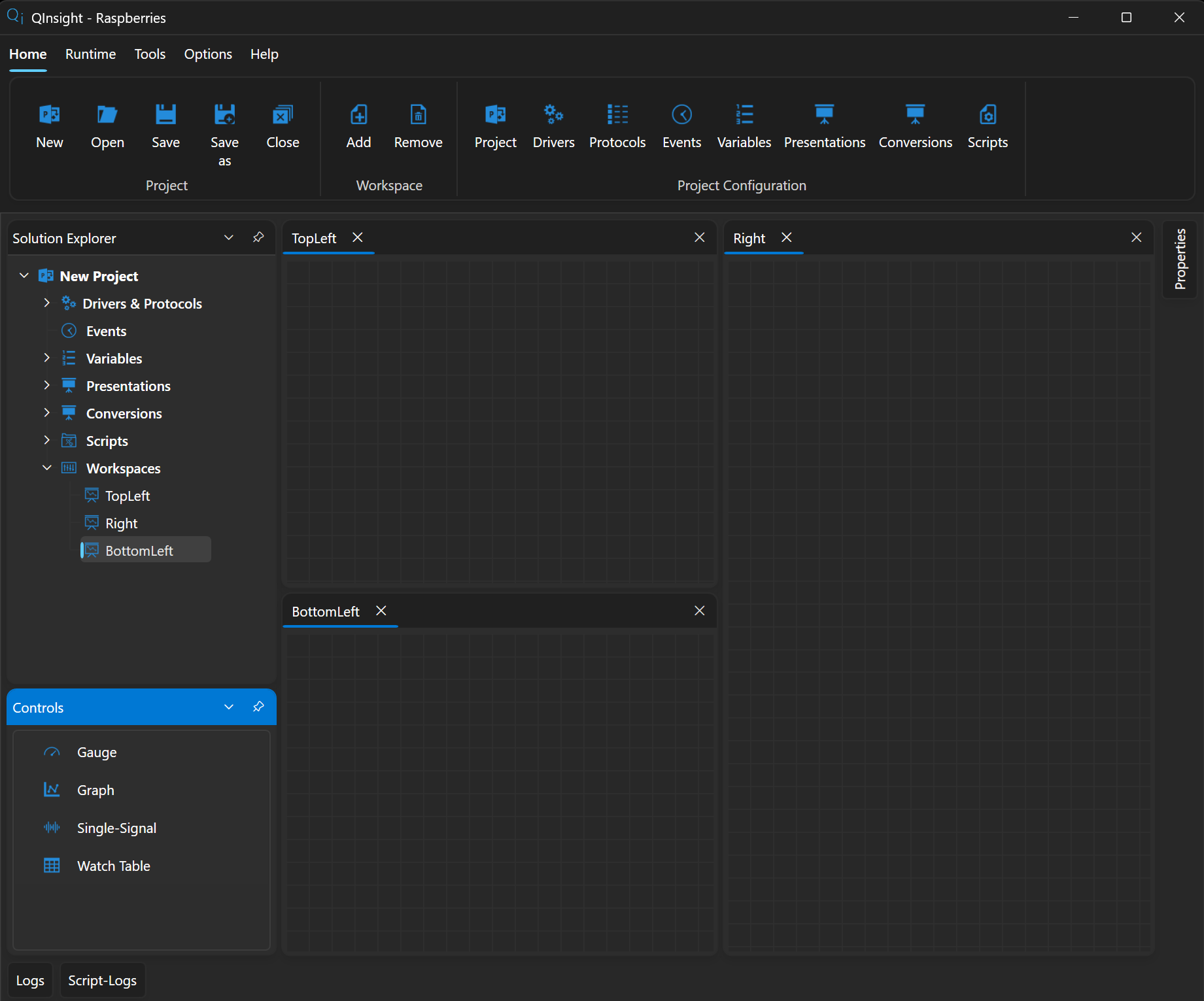
- In the ribbon menu, click Home → Workspace → Add. The new workspace opens as a dockable window and also appears in the Solution Explorer.
- Name the workspace: click it in the Solution Explorer and fill in Workspace Title in the Properties panel.
- Remove a workspace with Home → Workspace → Remove — the currently active workspace is removed (the application asks first).
Layout
Workspaces are dockable like any other window — you can place them side by side, stacked, or on a second monitor. The workspace layout is saved with the project (Home → Project → Save), so the project opens looking exactly the same.
Next
The empty workspace awaits its first control — Add a control.